




Digital Banking

Everything in One Place
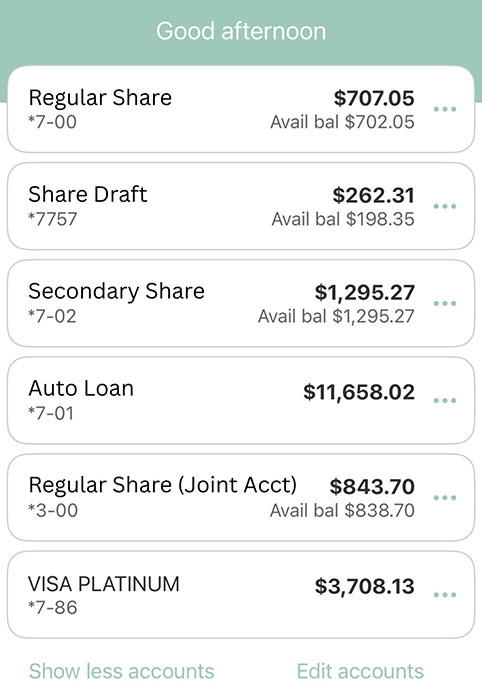
Your life doesn’t stop at 5 PM and neither should your banking. With everything you need in your pocket, digital banking lets you manage your money anytime, anywhere. Check balances, review transactions, transfer funds, pay bills and update your contact information without having to step foot into a branch.
Mobile Apps
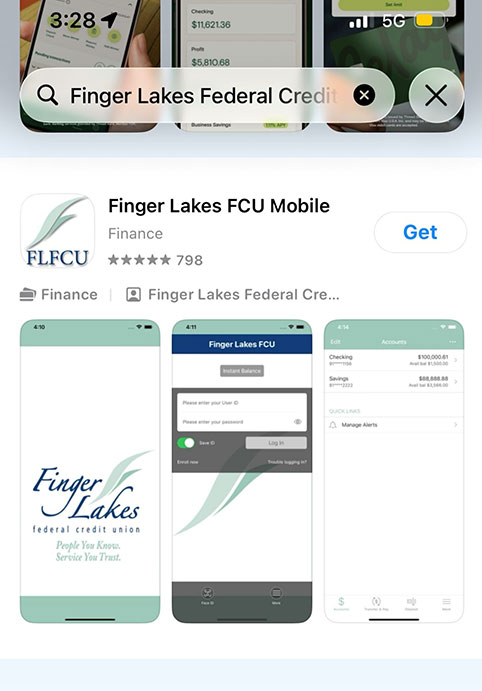
Access all of your accounts from your phone. Download the Finger Lakes Credit Union mobile app for free from the Apple App Store or the Google Play store.
Mobile Deposit
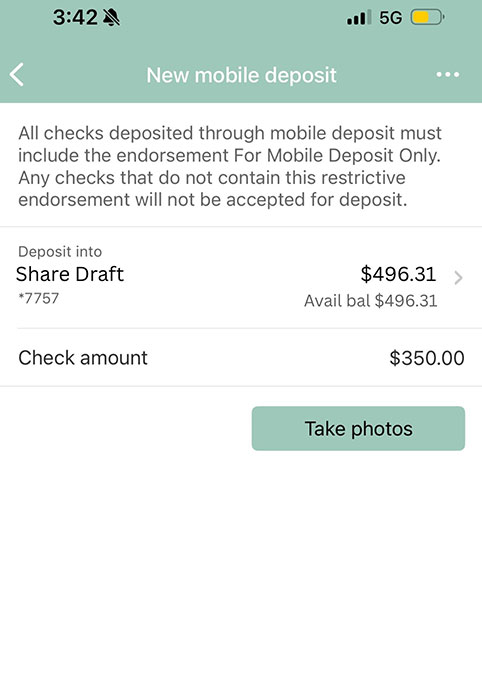
Need to deposit a check? Skip the branch. Snap a photo of your check and deposit it right from your phone in just a few taps.
Bill Pay
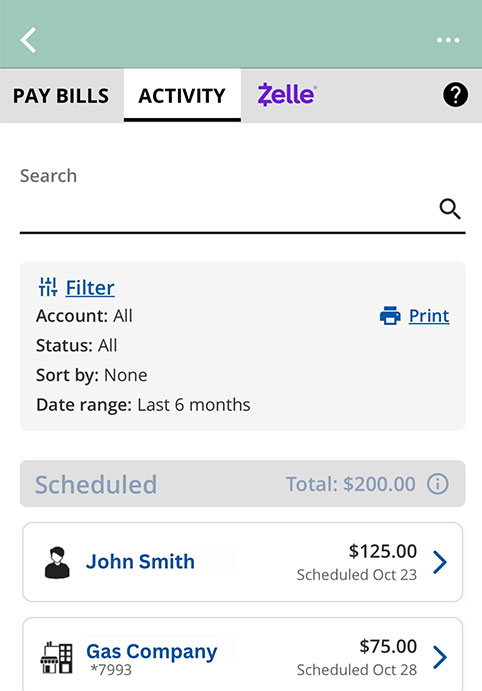
Pay bills directly from your digital banking account. Set up automatic payments with eBills and never miss a due date. Free for personal accounts.
Personal Dashboard
Connect all your accounts, even ones at other banks, and see your full financial picture in one place with our powerful software.
Digital Wallet
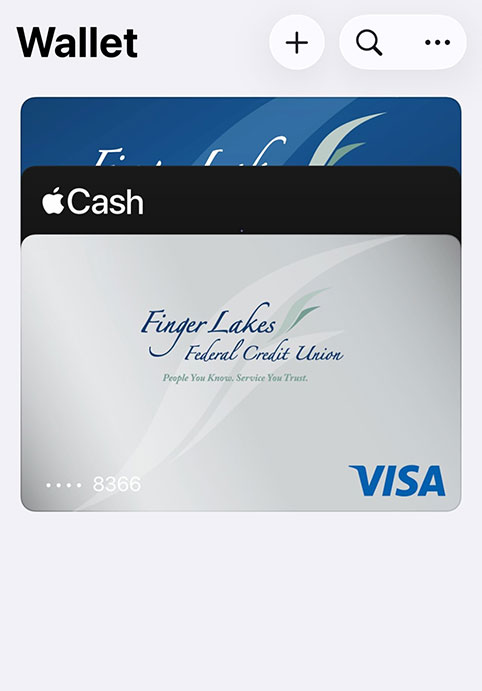
Add your Finger Lakes credit or debit card to Apple Pay, Samsung Pay or Google Pay for a convenient and secure way to pay quickly.
eStatements
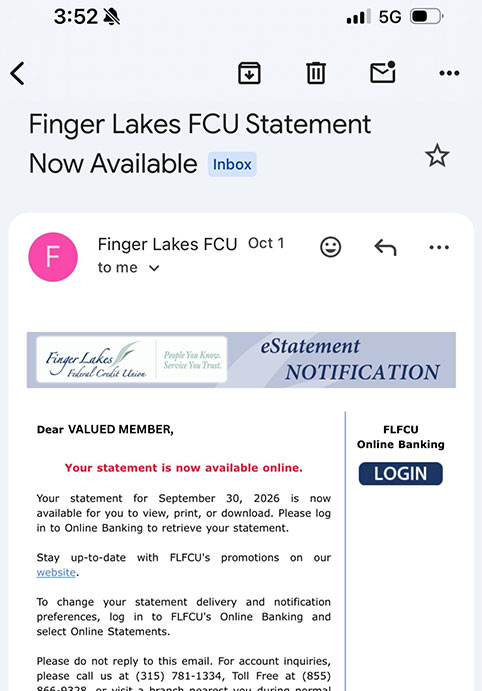
Go paperless and receive periodic notices and month-end statements via digital banking. Keep your account information out of your mailbox.
Account Management
Keep your address, phone number and email updated in digital banking without having to call us or stop into a branch.
Transfer Money
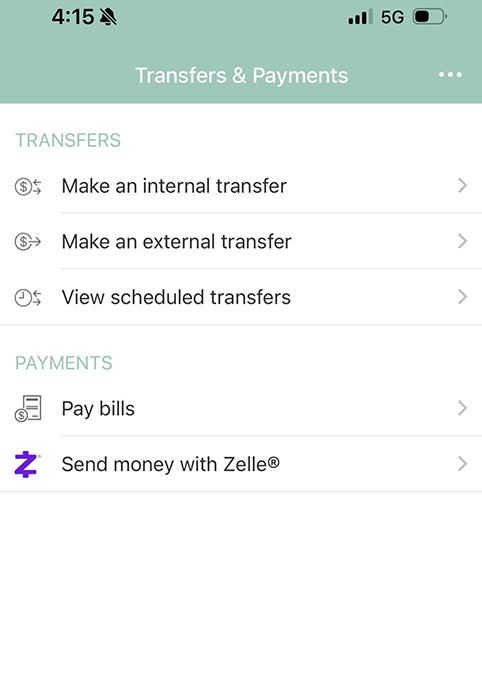
Easily transfer money between your accounts or send money to friends and family using Zelle®.
Manage Cards
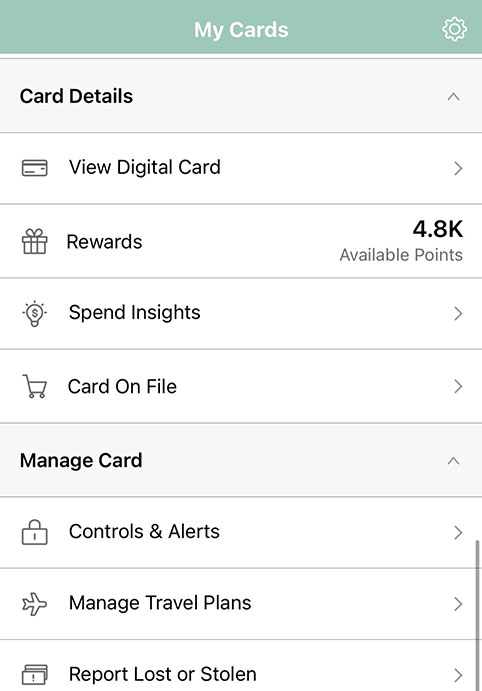
Manage cards and receive real-time purchase alerts. You can also block cards with card controls.
How to Get Started With Digital Banking
Getting started with digital banking is easy!
- Enroll in digital banking in just a few minutes. You’ll need your member ID and SSN.
- Download the Mobile App. Search “Finger Lakes Federal Credit Union” in the App Store or Google Play to access digital banking from your phone.
Digital Banking FAQs
Enrollment takes just a few minutes. Visit our online banking portal and have your member ID and Social Security number ready. Once enrolled, you can also download the Finger Lakes CU mobile app by searching “Finger Lakes Federal Credit Union” in the App Store or Google Play.
Bill Pay lets you pay bills directly through your online banking account. You can also set up automatic payments with eBills so you never miss a due date. With our Digital Bill Presentment, you can directly receive new bills (from participating companies) within Bill Pay so you can view and pay bills in one place to help you stay even more organized. Bill Pay is free for personal accounts.
Yes. The Personal Financial Dashboard lets you connect accounts from other financial institutions so you can see your complete financial picture in one place.
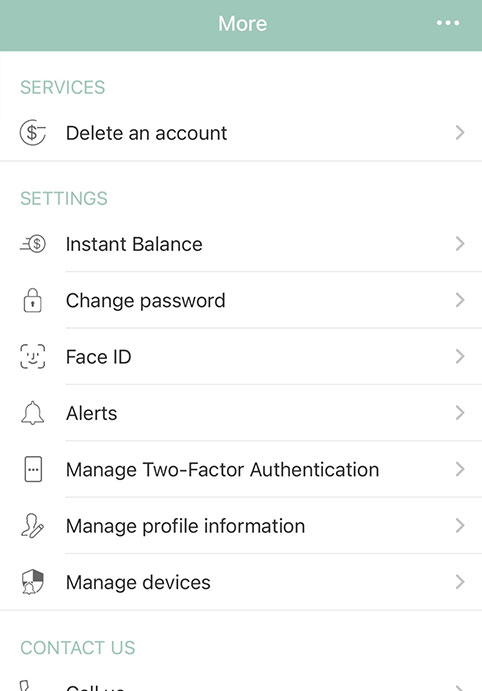
Yes. We implement measures like multi-factor authentication and fraud monitoring to keep you and your account safe.