





Digital Wallet
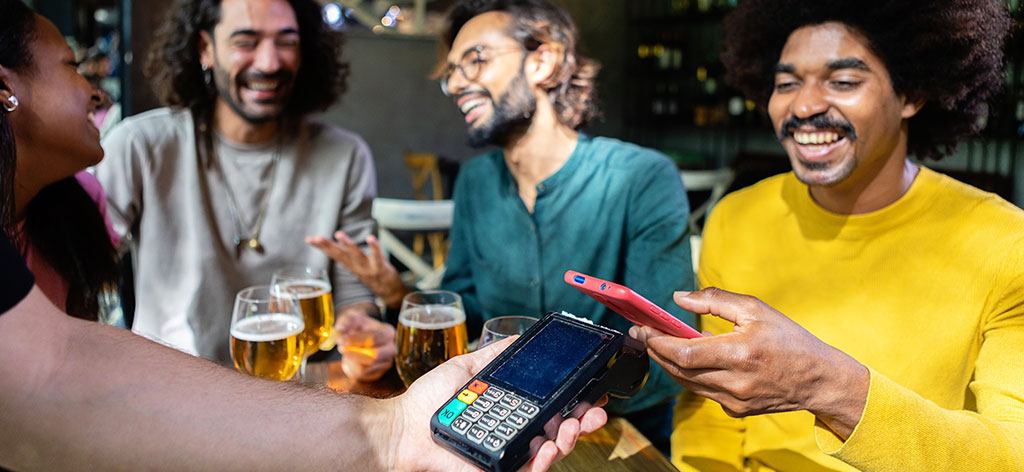
Your Phone Is Now Your Wallet
Add your Finger Lakes Credit Union Visa Credit or Debit card to your digital wallet of choice. At checkout, pay with your smartphone and you’re done. Your card is available on Apple Pay, Google Pay, and Samsung Pay. Whatever you’re carrying, we’ve got you covered.
Fast, Convenient and Secure
Works Anywhere
Your card is available on Apple Pay, Google Pay, and Samsung Pay. Whatever you’re carrying, we’ve got you covered.
Skip the Card Forms
When a website or app accepts Apple Pay, Google Pay, or Samsung Pay, you can check out with a tap instead of typing in your card details.
Your Details Stay Private
A digital wallet never transmits your actual card number. Instead, they generate a one-time-use account number for each purchase and your real card details stay safe, every single time.
How to Get Started
Adding your card to your digital wallet is easy. As security measure, never give credit union or app generated codes to anyone over the phone.
Open your digital wallet app on your phone.
Select the option to add a card.
Follow the prompts to add your Finger Lakes Credit Union card.
Once approved, your card will be added to your digital wallet.
Access Your Account Digitally
Access your digital banking to pay bills, transfer money, view eStatements and more.